
Step 1
Manual Trigger
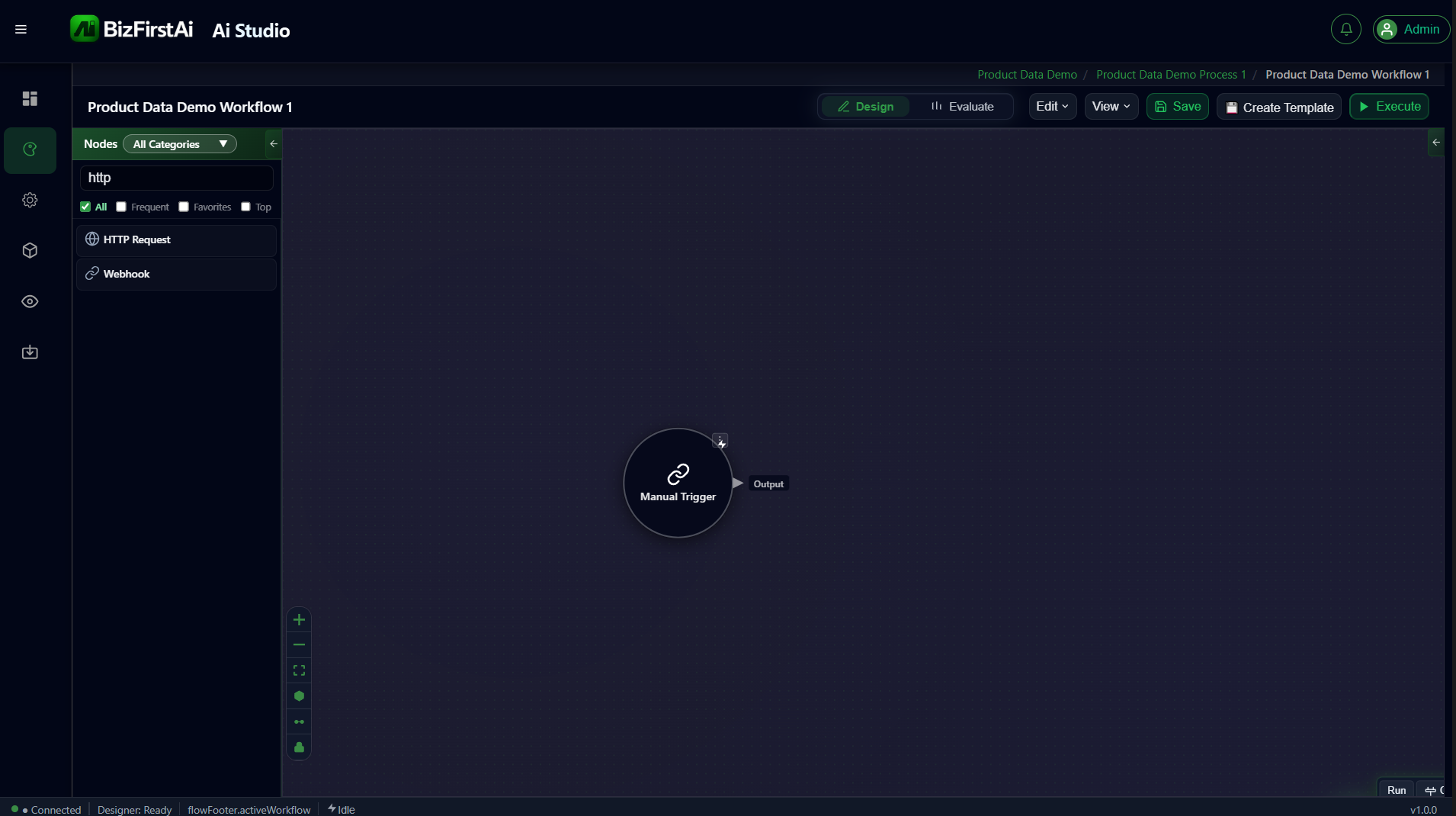
The entry point of the workflow. No configuration — search the node palette, drag it onto the canvas, and it's ready.
Configuration
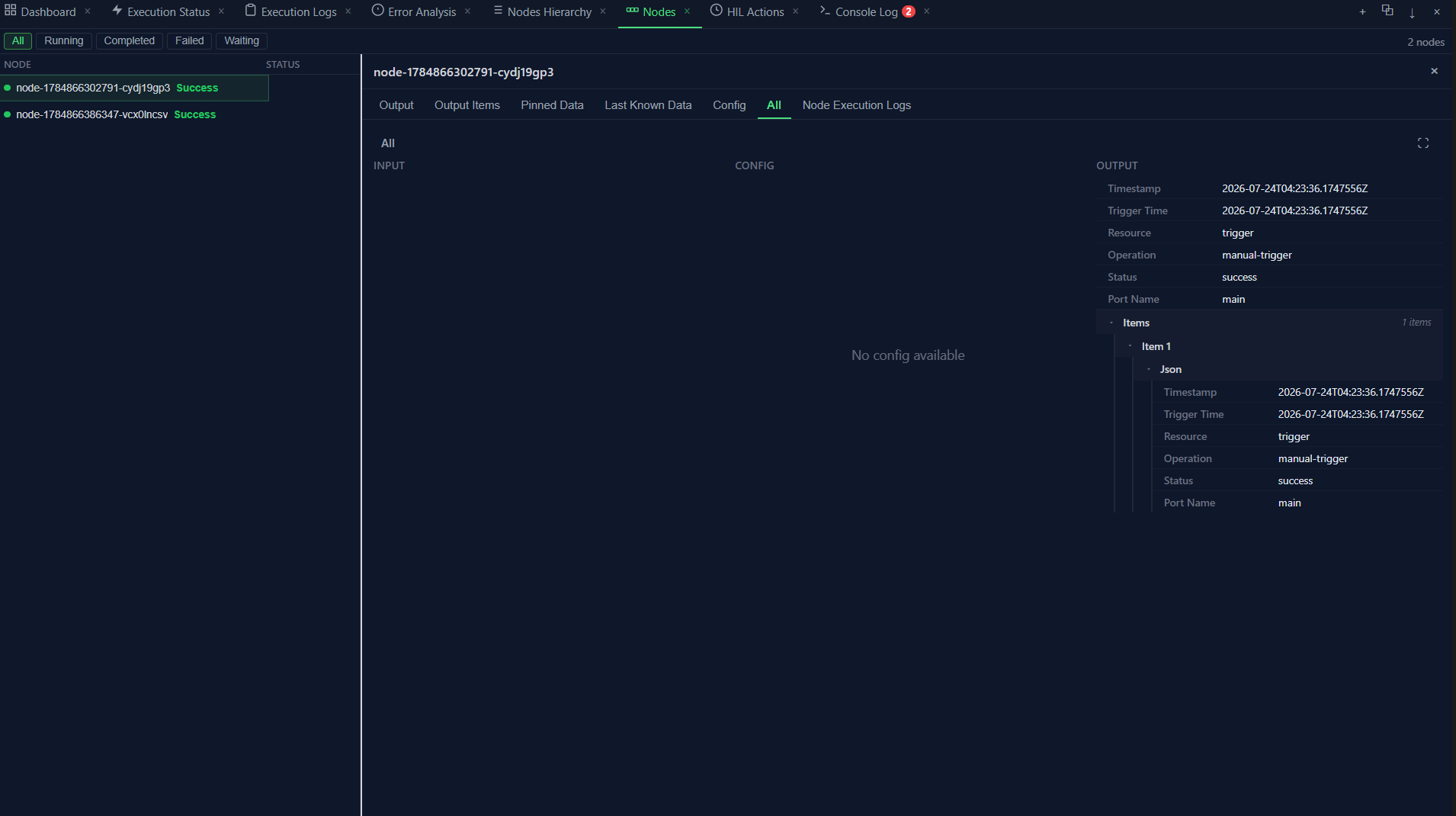
None. This is confirmed directly from a test run — the node's Config tab in the Evaluate panel reads "No config available".
Output
Every trigger produces the standard node envelope. This is the real output captured from a test run of this exact node:
{
  "timestamp": "2026-07-24T04:23:36.1747556Z",
  "triggerTime": "2026-07-24T04:23:36.1747556Z",
  "resource": "trigger",
  "operation": "manual-trigger",
  "status": "success",
  "portName": "main",
  "items": [
    {
      "json": {
        "timestamp": "2026-07-24T04:23:36.1747556Z",
        "triggerTime": "2026-07-24T04:23:36.1747556Z",
        "resource": "trigger",
        "operation": "manual-trigger",
        "status": "success",
        "portName": "main"
      }
    }
  ]
}
Why this matters
This output becomes the input of the next node (HTTP Request). Nothing in this workflow reads from it directly, but it establishes the standard envelope shape —
timestamp / resource / operation / status / portName / items[].json — that every node in Flow Studio produces.