
Step 2
HTTP Request
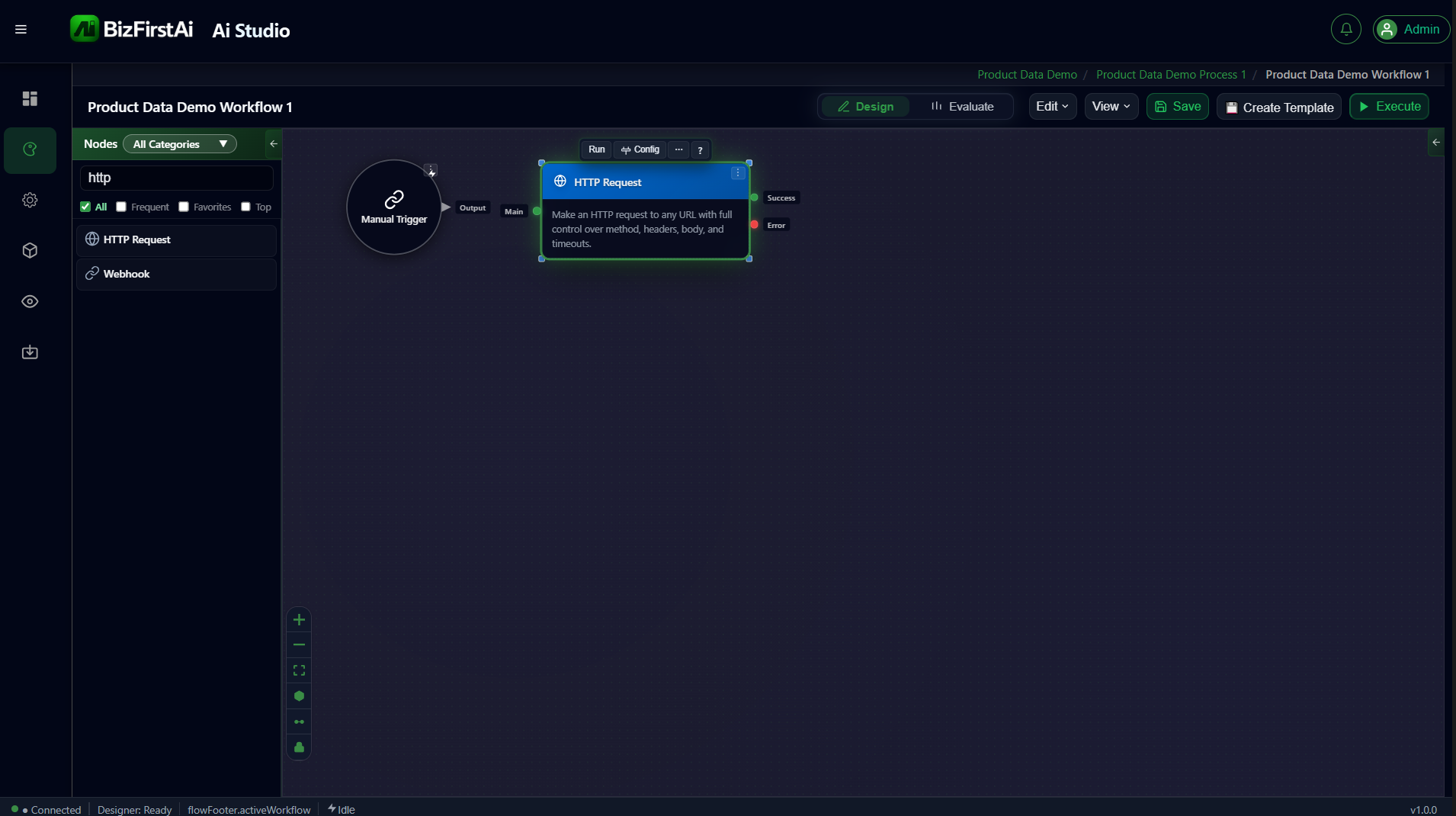
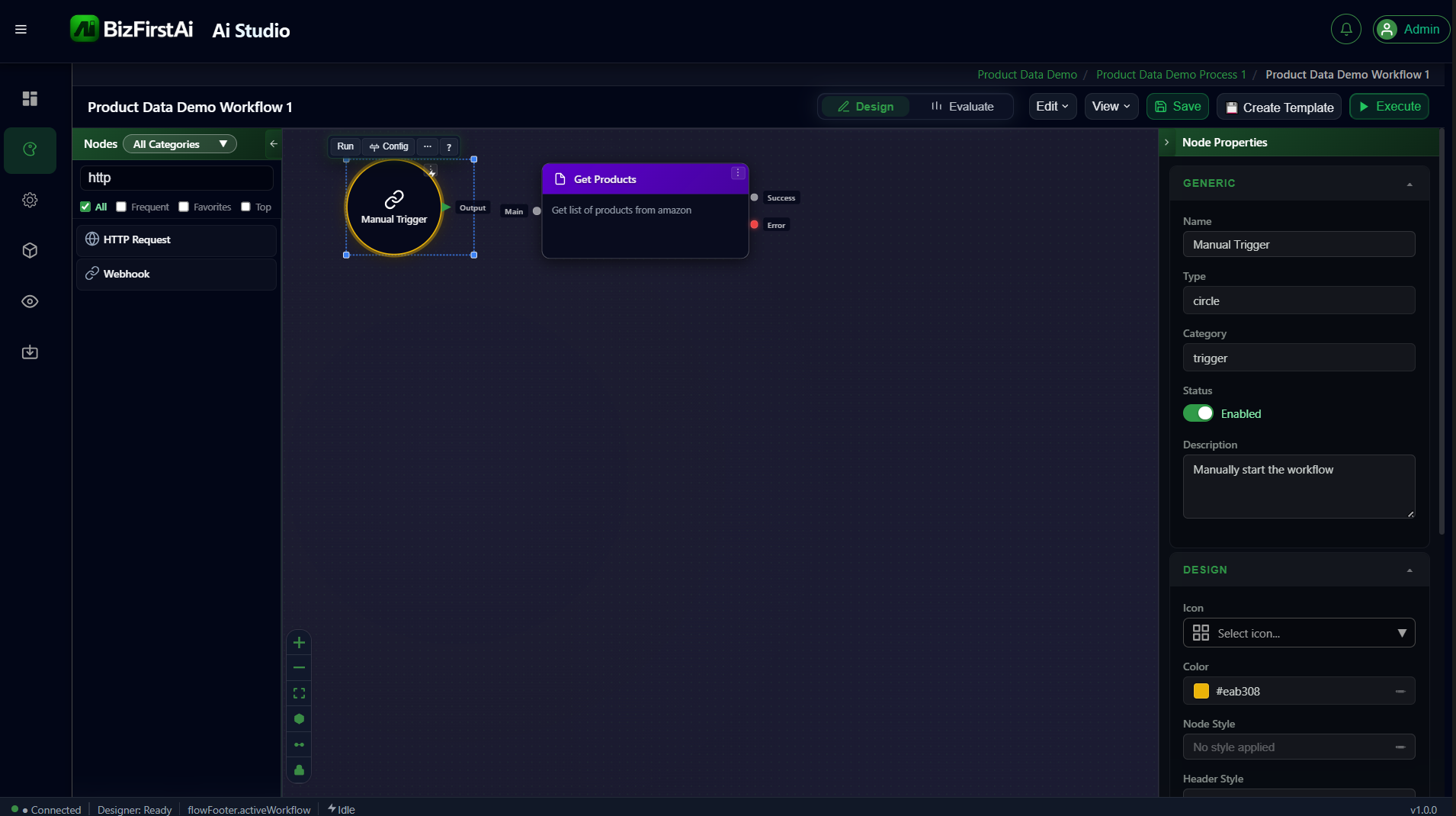
Calls dummyjson.com's products API and standardizes the response into one item per product, renamed to Get Products on the canvas.
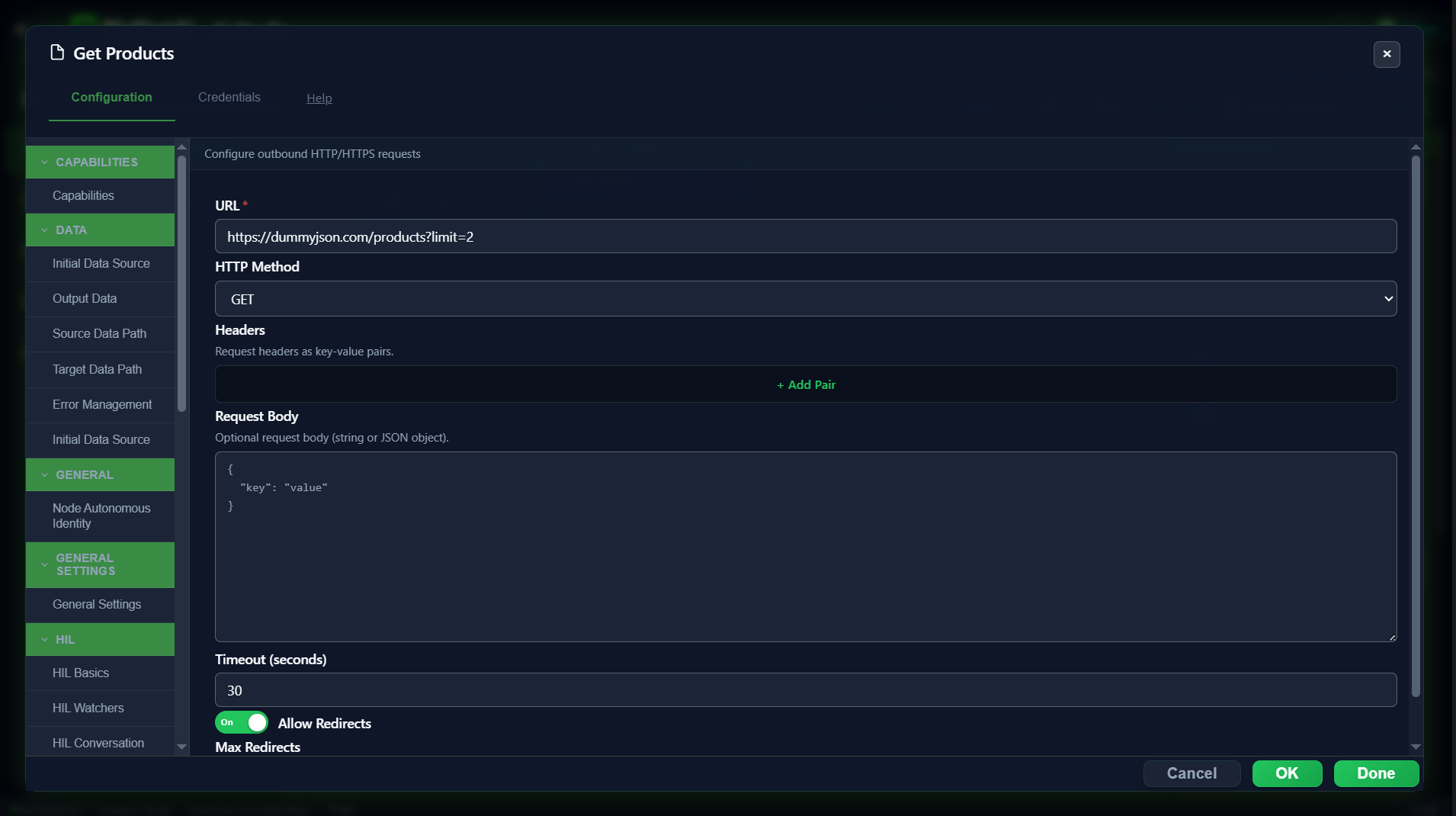
Configuration — Request
| Field | Value |
|---|---|
url | https://dummyjson.com/products?limit=2 |
method | GET (default) |
headers | none needed |
body | none — GET request |
timeoutSeconds | 30 (default) |
allowRedirects | on (default) |
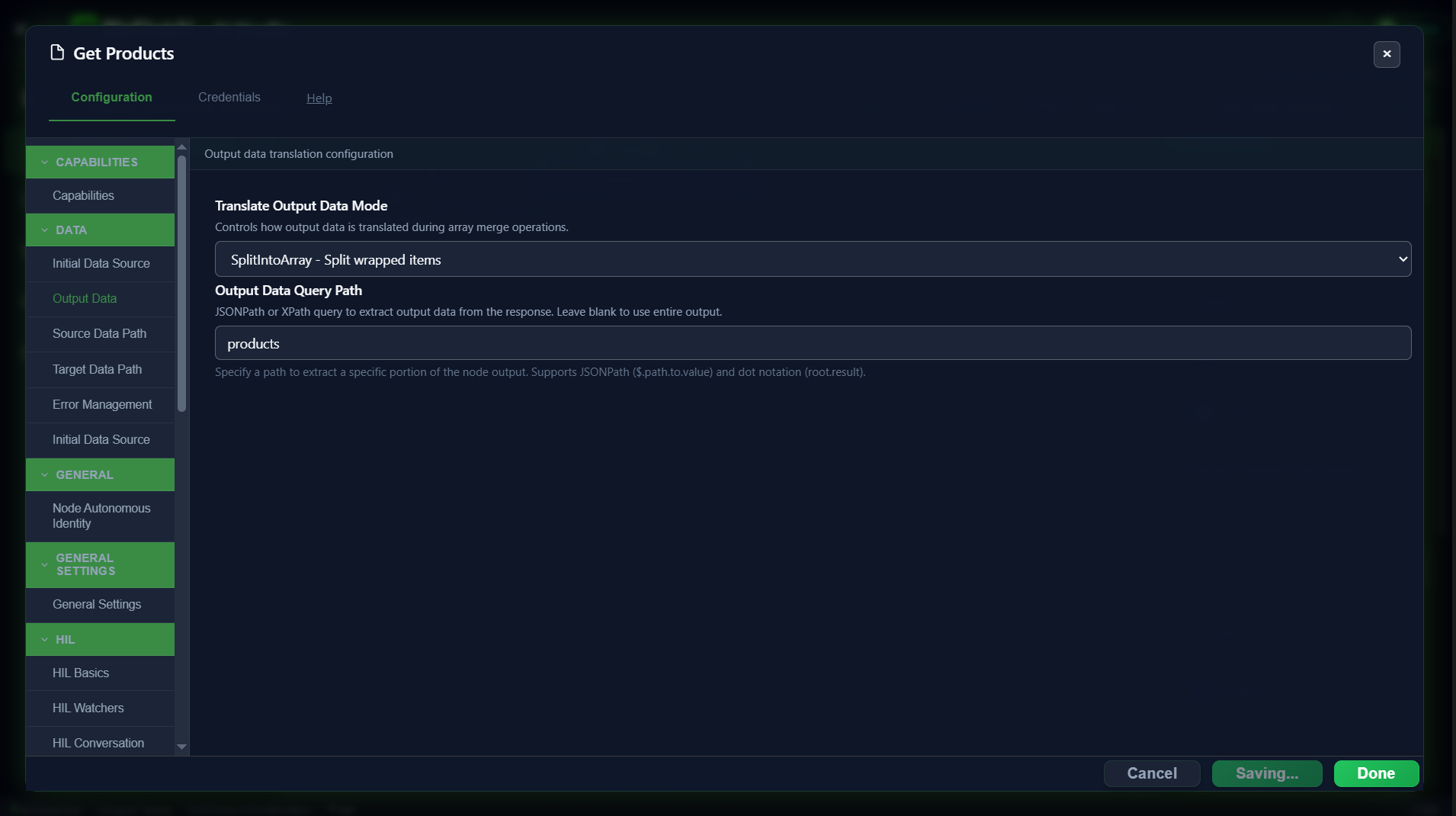
Configuration — Output Data
This is the important part. The raw dummyjson response wraps the actual product list inside a products key — without extracting it, the entire response object would become a single output item.
| Field | Value | Why |
|---|---|---|
outputDataQueryPath | products | Extracts just the nested product array. |
translateOutputDataMode | SplitIntoArray | Turns that array into one output item per product. |
Result
Two items, one per product — every field from the raw API response present under each item's json:
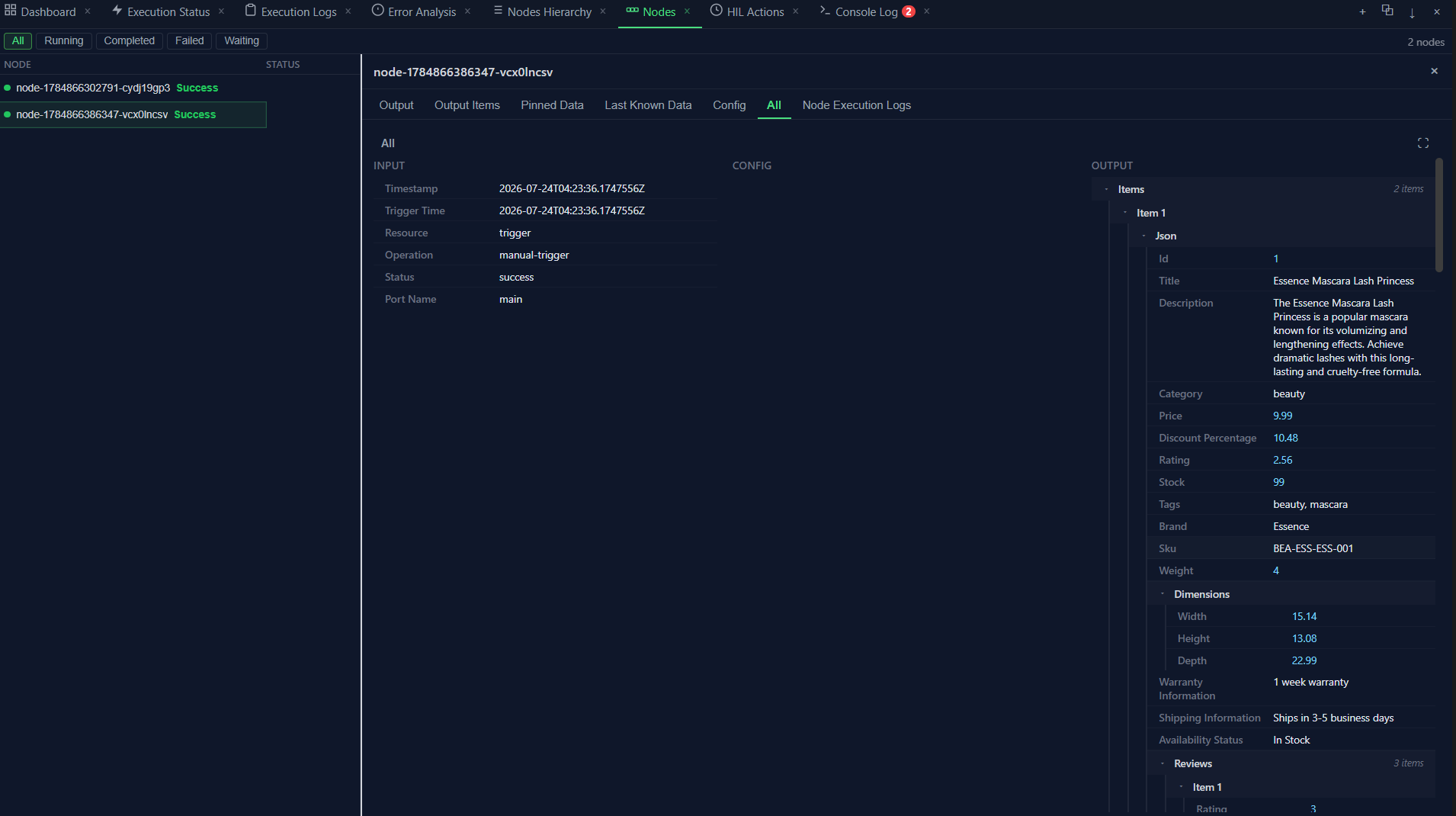
Confirmed working exactly as designed
The query path + split-into-array combination produced exactly two items, each with the complete, unmodified product record from the API — nothing lost, nothing merged.