
Step 3
Filter In-Stock Items
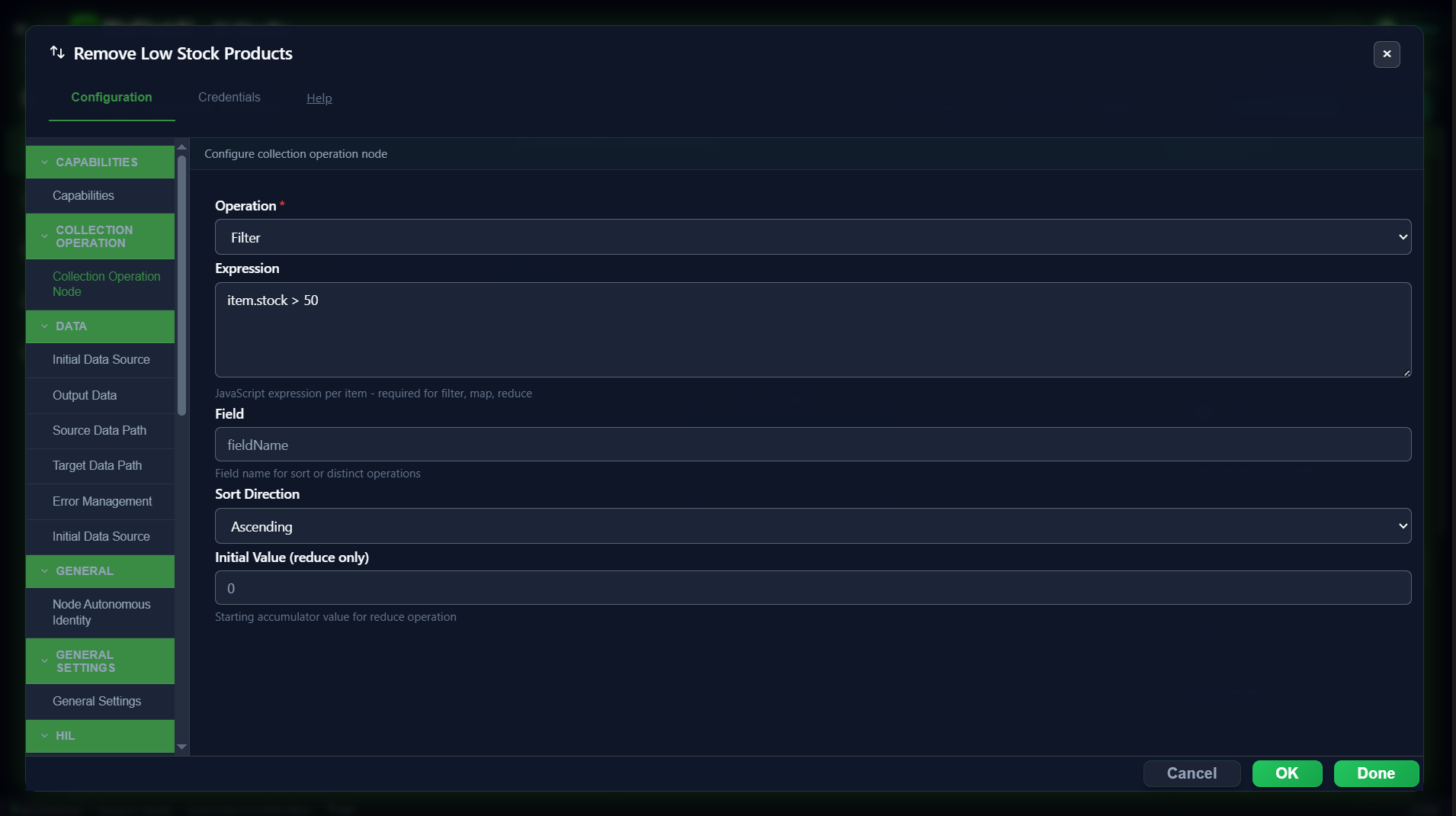
A Collection Operation node, renamed Remove Low Stock Products, keeps only well-stocked items before anything else happens.
Configuration
| Field | Value |
|---|---|
operation | Filter |
expression | item.stock > 50 |
Real value differs from the original plan
This node was first sketched with
That means, as currently configured, only product 1 reaches the rest of the pipeline in a real run. The later pages in this guide still illustrate both products going through Data Mapping and the If Condition (useful for seeing both the True and False branch), but know that with this exact filter threshold, only one of them would actually arrive there together in a single execution. Decide whether
item.stock > 0 (a no-op filter that lets both sample products through, just to demonstrate the mechanism). During testing it was actually configured with item.stock > 50 instead. With our sample data:
| Product | stock | item.stock > 50? |
|---|---|---|
| 1 — Essence Mascara Lash Princess | 99 | ✅ passes |
| 2 — Eyeshadow Palette with Mirror | 34 | ❌ filtered out |
> 50 or a lower threshold (like > 0) better suits the final demo.
Result
Every kept item passes through unchanged — Collection Operation's filter operation never modifies a record, it only decides whether to keep it. Output includes successCount, errorCount, and errorRecords alongside the surviving items.